SaaS Toolkit vs Intercom: Where Intercom Wins, and When to Switch

If you run a small SaaS team, Intercom is probably the tool you already have in mind for chat and support. It is a strong product. This is a fair comparison with SaaS Toolkit: where Intercom is better, where the two actually differ, what they cost, and a short guide if you want to try a switch.
Intercom figures below were checked on Intercom’s pricing page on 23 November 2026, with annual billing selected. SaaS Toolkit figures come from the live pricing page and product knowledge base.
Where Intercom is better
Start here, because this is the honest part.
Intercom is a complete customer-support system. Essential includes Messenger live chat, a shared inbox and ticketing system, pre-built reports, a public Help Center and basic automation, plus Fin, its AI agent. Advanced adds a workflow automation builder, multiple team inboxes, round-robin assignment, a private and multilingual Help Center, and 20 free Lite seats. Expert adds SSO and identity management, HIPAA support, SLAs, a multibrand Messenger and Help Center, and 50 free Lite seats.
That is a different job from what most early-stage founders need, and Intercom is simply further along at it. A growing support team gets assignment, service levels, a proper help centre and a mature shared inbox. Fin is a dedicated customer-service agent, charged only when it produces an outcome, and it can also sit on top of a helpdesk you already use, such as Salesforce, HubSpot or Freshdesk. Optional add-ons go further: Copilot sits with human agents in the inbox, and Proactive Support Plus covers product tours, surveys, checklists, posts and a Series campaign builder.
Intercom also has a 14-day trial with no credit card, and an Early Stage programme for startups that have raised $10 million or less and have 15 employees or fewer, with up to 93% off. If you are building a serious support operation, or you already live in Intercom’s inbox, you should not expect SaaS Toolkit to match that feature for feature. It will not.
Where the two products actually differ
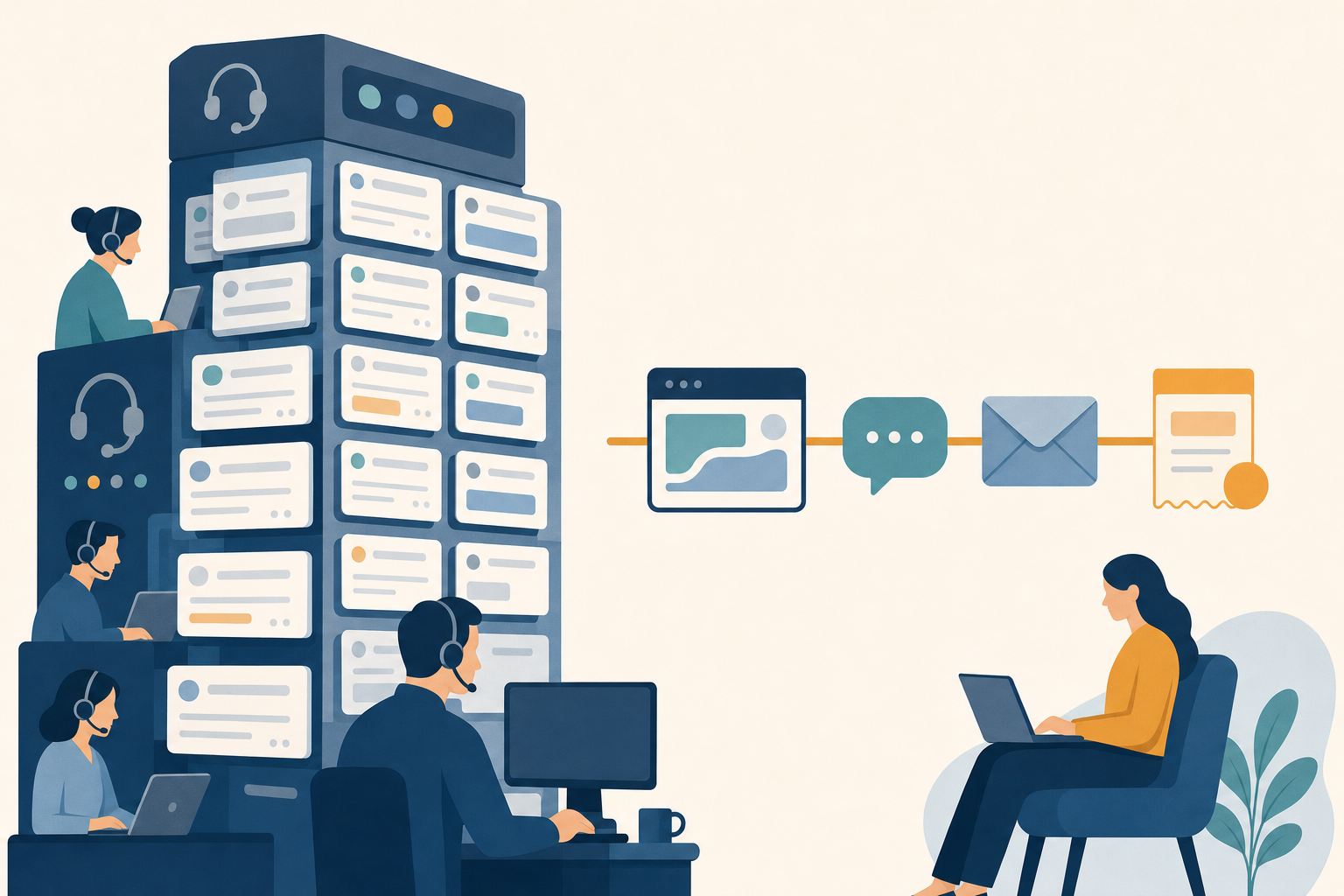
Intercom is built around conversations: the inbox, the Help Center, Messenger and Fin. SaaS Toolkit is built around the path from a visit on your site to a paying customer. A chat in SaaS Toolkit sits on the same person’s timeline as their visits, funnel progress and Stripe payments, rather than in a separate support tool that sits around the product.
That is the trade. Intercom gives you a better helpdesk. SaaS Toolkit gives a small team one snippet for the site, and one place for the chat, the emails and the payment, without paying per teammate seat.
On the product side, that means:
AI chat that answers from your docs, help articles, website and other training material, cites its sources, and can hand over to a human through Slack or the support queue, with the conversation and the person’s timeline attached. This is included during the 30-day trial, and after that it is on the Business plan.
Email engagement automations on Business (and during the trial): sequences triggered by what people actually do, such as a sign-up or a quiet period.
Traffic, funnels, custom events and Stripe conversion tracking on every plan, including the free Starter plan.
MCP access on every plan, including free, so you can ask Claude, ChatGPT or Cursor about your leads, traffic, support chats and revenue.
SaaS Toolkit does not give you Intercom’s Help Center, product tours, Series campaigns, HIPAA support, SLAs, or a shared inbox designed for a large support team. We have written before about the point where support tools stop being enough on their own. If those Intercom features are what you rely on, keep them.
Pricing, compared fairly
The two products charge in different ways, so a single “cheaper” claim needs the detail.
Intercom pricing has two parts: a seat price, and usage. When billed annually, Essential is $29 per seat per month, or $19 per seat per month for new customers (35% off). Advanced is $85 per seat per month. Expert is $132 per seat per month. Fin is $0.99 per outcome on every plan. You are not charged if Fin cannot answer, fails to complete an action, or the customer asks to speak to a human, and you are charged at most once per conversation. There is a one full-seat minimum. Add-ons are extra: Copilot is $29 per teammate per month when billed annually, Pro starts at $100 per workspace per month, and Proactive Support Plus starts at $99 per workspace per month. WhatsApp, SMS, phone and bulk email have their own usage charges. Fin Voice is $1.99 per voice outcome, through sales.
SaaS Toolkit is priced per website, not per seat, and you pay for the sessions you use. Every plan includes 10,000 sessions a month. Starter is free. Growth is $29 per month. Business is $49 per month. There is a 30-day free trial of all platform capabilities, with no credit card required. When the trial ends you move to free Starter unless you choose to upgrade, and historic data is kept. After the trial, AI chat and email engagement automations stay on Business. A 30-day money-back guarantee applies to paid plans.
For a three-person team, Intercom Essential at the new-customer annual price is already $57 per month in seats, before Fin outcomes. SaaS Toolkit Business is $49 per month for the website, with no seat charge. That is a real saving for a tiny team. It is not an argument that Intercom is poor value: you are paying for a fuller helpdesk, and Fin’s per-outcome price can be fair when it actually resolves a conversation. If volume grows, that usage line grows with it. That is the complaint many small teams are already voicing, and it is also why Intercom’s spend limits exist.
A short switching guide
You do not have to rip Intercom out on day one. The safer path is to run SaaS Toolkit alongside it, then remove the Messenger only when you are happy.
Create a free SaaS Toolkit account. No credit card is required. The 30-day trial includes the platform’s capabilities, including AI chat.
Add the snippet to your site. One install covers the chat widget, traffic and funnels for that website.
Add your help material — docs, help articles, your website, and any other training content — so the chat can answer from what you already published, and cite it.
Connect Stripe so payments appear on the same person’s timeline as their visits and chats. Connect Slack if you want a human handoff (this remains available during the trial; after the trial, Slack is on Growth and above).
Run both widgets for a short period. Use that time to check that answers are accurate and that tickets reach your team.
When you are ready, remove Intercom’s Messenger from the pages you no longer need it on. If you still need Intercom’s Help Center, shared inbox or product tours, keep those. A full cut-over is optional.
Before the trial ends, decide your plan. If you want to keep the on-site AI chat, that is Business at $49 per month. If you only need traffic, funnels and Stripe tracking, free Starter is enough. Growth at $29 per month adds natural-language questions and automations such as Slack, webhooks, Zapier and n8n.
Website SDR, the done-for-you phone and SMS outreach add-on, is not part of any plan and is not included in the trial, so it is not part of this switch.
Try SaaS Toolkit free
If Intercom is doing the helpdesk job you need, stay. If you want one place that takes someone from a first visit to a chat, an email and a payment, without a per-seat bill, start a free SaaS Toolkit account. You get 30 days with the platform’s capabilities and no card, and you can drop to the free Starter plan afterwards. See pricing if you want the plan detail first.